
7 Rental LED Screen Buying Tips for Global Buyers?
A rental LED screen can look impressive in a showroom and still fail under a festival’s noon sun. Buyers need to assess brightness, pixel pitch, cabinet weight, refresh rate, and service support together. The global LED display market reflects the scale of this decision: MarketsandMarkets estimated it at US$7.1 billion in 2023, with a projected value of US$12.7 billion by 2028. That figure covers more than rental products, but it signals a fast-moving market where specifications and supplier claims deserve careful checking.
Display-market analyst Bob O’Brien, known for his work with Display Supply Chain Consultants, offers a useful perspective: evaluate the complete display system, not one headline specification. For rental buyers, that means testing the actual cabinet, receiver card, rigging method, and spare-parts plan—not just comparing pixel pitch on a quote. A sample panel in a bright hall tells you more than a polished brochure. Still, one test cannot predict every venue.
These seven buying tips help global buyers ask sharper questions before committing to a rental LED screen. They cover image quality, portability, compatibility, warranty terms, logistics, and long-term operating costs. Check how quickly a local team can replace a module, and ask for written test results. A low price can hide costly gaps. No checklist removes every risk; even experienced buyers can overlook a detail. But a documented evaluation makes supplier comparisons clearer and helps keep screens ready when the doors open.
Define Event Requirements and Screen Configuration
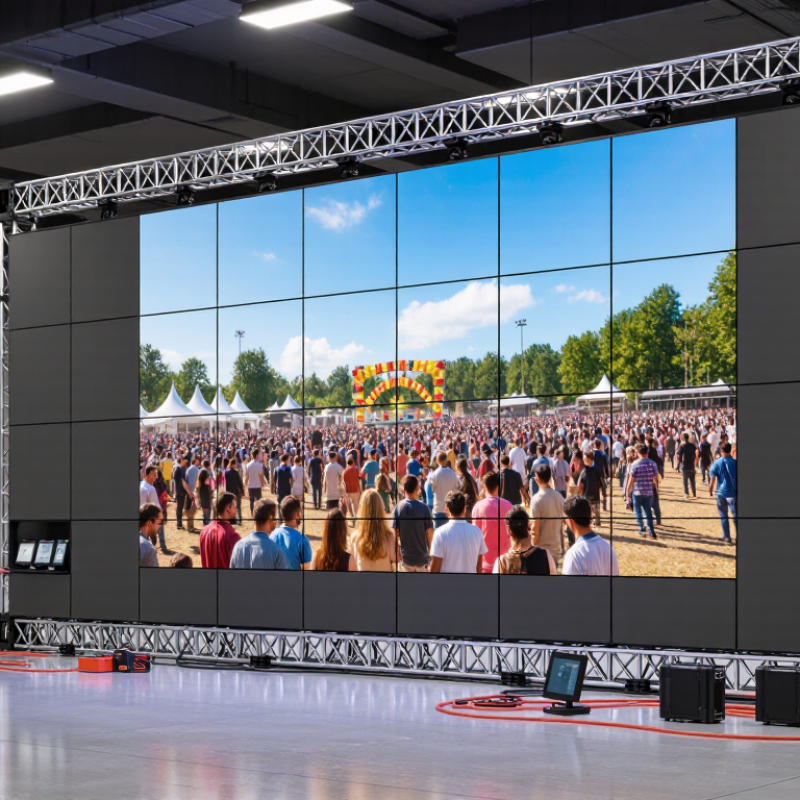
Before requesting a rental LED screen quote, describe the event as it will actually run. A keynote in a bright hall needs different brightness and viewing angles than a dim concert stage. Share the venue dimensions, audience distance, ambient light, event schedule, and whether the screen faces direct sunlight. Small details matter. A screen that looks sharp up close may appear too small from the back row.
Choose the screen shape around your content and stage plan, not just the cabinet size. A wide backdrop can suit presentation slides, while a portrait screen may work better beside a stage entrance. Ask how pixel pitch affects clarity at your closest viewing distance; tighter pitch is not automatically better for every rental. Confirm cabinet dimensions, total weight, rigging points, power needs, and signal inputs with the venue team. I have seen layouts look perfect in a drawing, then lose usable space to truss and cable paths. That part is easy to underestimate.
Also agree on who supplies playback equipment, spare modules, and on-site technical support. Check whether the proposed configuration can be assembled within the venue’s load-in window. A modest test matters. Review a real slide and video on the planned screen size before confirming the layout. Some plans still need adjustment. Better to catch that before the cases arrive.
| Event Requirement | Typical Scenario | Planning Guidance | Configuration Considerations | Questions to Confirm Before Ordering |
|---|---|---|---|---|
| Venue and installation location | Indoor hall, outdoor plaza, stage, exhibition booth, or temporary structure | Confirm whether the screen will be indoors or exposed to weather. Check venue rules, access routes, rigging points, and available installation time. | Indoor and outdoor panels may differ in brightness, weather protection, weight, and required support structure. | Is the screen installed indoors or outdoors? What are the access, rigging, and load limits? |
| Viewing distance and pixel pitch | Close-up product display, stage backdrop, or large audience screen | Choose pixel pitch based on the closest expected viewer and the level of image detail required. Smaller pitch generally supports closer viewing. | Common rental pixel pitches include approximately 1.9–2.9 mm for closer viewing and 3.9–4.8 mm for many larger-format event applications. | What is the closest viewing distance, and will the screen show fine text or detailed graphics? |
| Screen size and aspect ratio | Video wall, stage backdrop, side screens, or branded content display | Set the desired width and height, then match the screen ratio to the content where practical. Check sightlines and stage layout before finalizing dimensions. | Modular panels are assembled in fixed cabinet increments, so the final dimensions may not exactly match a requested ratio. | What are the target dimensions, content aspect ratio, and available stage or structure space? |
| Ambient light and brightness | Dim indoor ballroom, brightly lit exhibition hall, or daylight outdoor event | Assess the brightest expected conditions at the screen surface. Avoid selecting brightness from venue type alone; lighting and sun exposure matter. | Indoor rental screens often use lower brightness than outdoor screens. Outdoor setups commonly require substantially higher brightness and careful viewing-angle planning. | Will direct sunlight reach the display? What lighting conditions are expected during the event? |
| Content and signal workflow | Live camera feeds, presentations, playback, or mixed-source programming | Confirm the content resolution, frame rate, input connections, control position, and backup playback plan with the video team. | LED wall resolution depends on the active pixel matrix. Processing, scaling, cable runs, and signal redundancy should be planned together. | Which sources and formats will be used, and who supplies the processors, cables, and playback equipment? |
| Power and event duration | Single-day show, multi-day exhibition, or extended outdoor activation | Ask for power requirements under typical operating conditions as well as maximum load. Coordinate circuits, distribution, cable routing, and backup power. | Actual power use varies with screen size, brightness settings, content, and equipment. Electrical planning should use the supplier's documented specifications. | What power supply is available, and what are the documented operating and maximum power requirements? |
| Weather, safety, and contingency | Outdoor event, elevated installation, or fast changeover between shows | Confirm environmental limits, structural approval, access control, and the response plan for adverse weather or equipment faults. | Weather protection ratings do not replace proper drainage, secure mounting, safe cabling, or a venue-approved structure. | Who is responsible for structural approval, safety checks, weather monitoring, and on-site troubleshooting? |
| Planning note: Pixel pitch, brightness, power use, weather protection, and panel dimensions vary by product and installation. Confirm the final configuration against the venue plan, event content, local electrical requirements, and supplier documentation. | ||||